
The Advantages of Google Tag Manager
What Is Google Tag Manager (GTM)?
Google Tag Manager is a free software tool that gives you the ability to install different types of tags on your website. You may have done this already without realizing it.
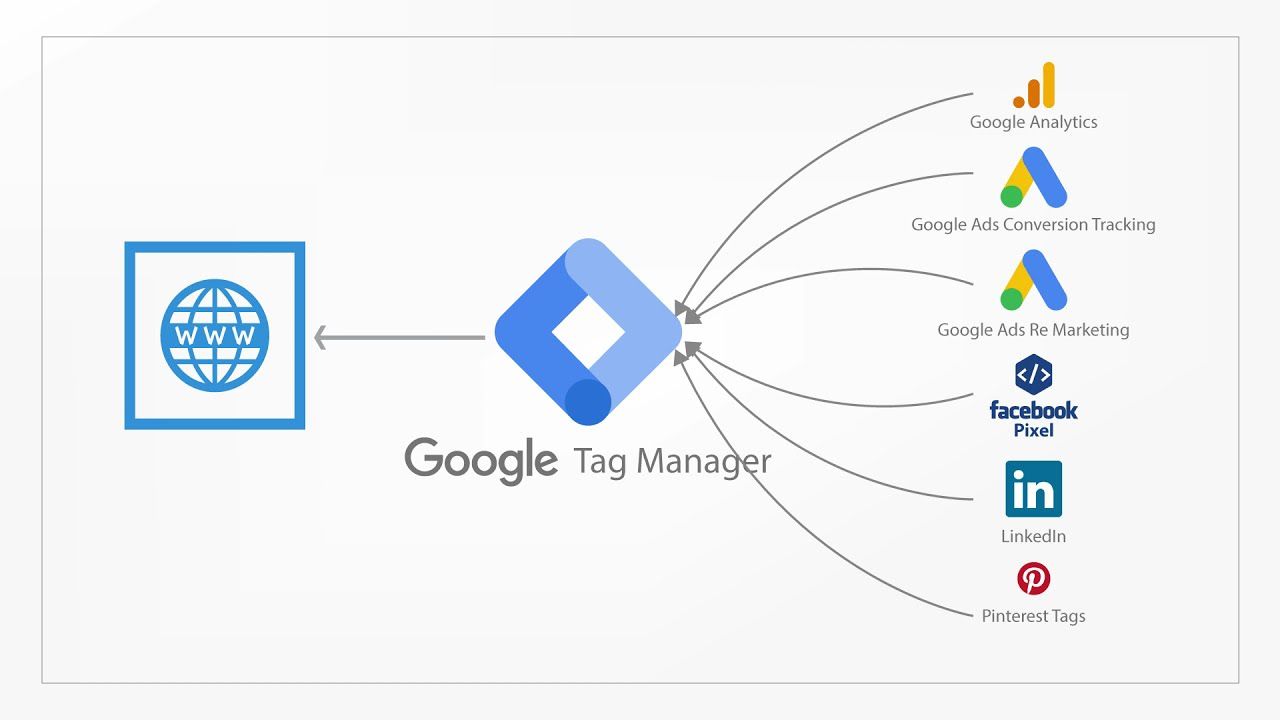
In the past, companies needed a web developer on their team to track codes, which had to be hard-coded into each page and got a bit complicated to update and maintain with hundreds of codes to track. GTM came in and solved this by storing all tags in one place—the GTM account.
Top Benefits of Google Tag Manager
1. So Darn Easy to Use
This is one of the biggest advantages of Google Tag Manager: no programming knowledge is required. Almost anyone can easily make updates, add new tags, test each change, and deploy tags without needing to perform complex website coding.
2. Saves Loads of Time
GTM saves you time by allowing you to implement tracking codes all by yourself. You no longer need a marketer to send tracking code to a developer. All tracking codes (aka tags) can be added, edited, and removed via the GTM platform.
3. Everything Is in One Place
With GTM, everything is in one place. Long gone are the days when a developer needed to locate the various JavaScript code snippets in a website or app’s source code to make additions, changes, or deletions.
4. Easier to Troubleshoot
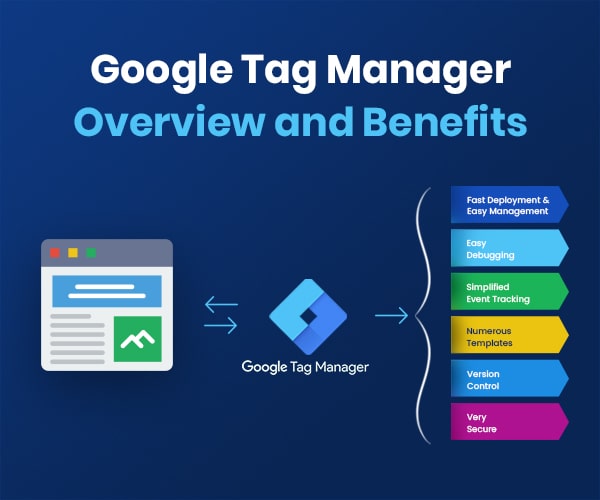
Because everything is in one place, it’s easier to troubleshoot and correct tag errors—even before they’re published. GTM’s Preview Mode will automatically show you what tags are working and which ones aren’t, along with information about triggers and detailed information about the data within tracking tags.
5. You Can Create Templates
GTM allows you to export all your tags, triggers, and variables into one file which you can then use to create your own templates of commonly used codes.
6. Auto-Event Tracking
GTM comes with a feature called auto-event tracking, which automatically tracks events (like clicks, form submissions, and time spent on the page) without involving custom JavaScript code.
7. It’s Free!
GTM is free, and it’s perfect for small and medium-sized businesses.
8. Version Control
Anytime you make a change in GTM, an archived version is saved. This makes life easier when you need to roll back some changes, restore a previous version, or if you accidentally publish a bunch of changes to a live site before the tags are complete.
9. Users and Permissions Management
GTM gives you full control of who can make what changes. From no access to read-only to editing to publishing rights, you can easily control who has permission to make changes (such as creating tags, macros, and rules) to the website.
I hope it helped you decide to start using GTM or convince someone else to do it. In my opinion, starting to use Google Tag Manager is a no-brainer. It’s a relatively easy-to-use solution to control tracking codes in one place.